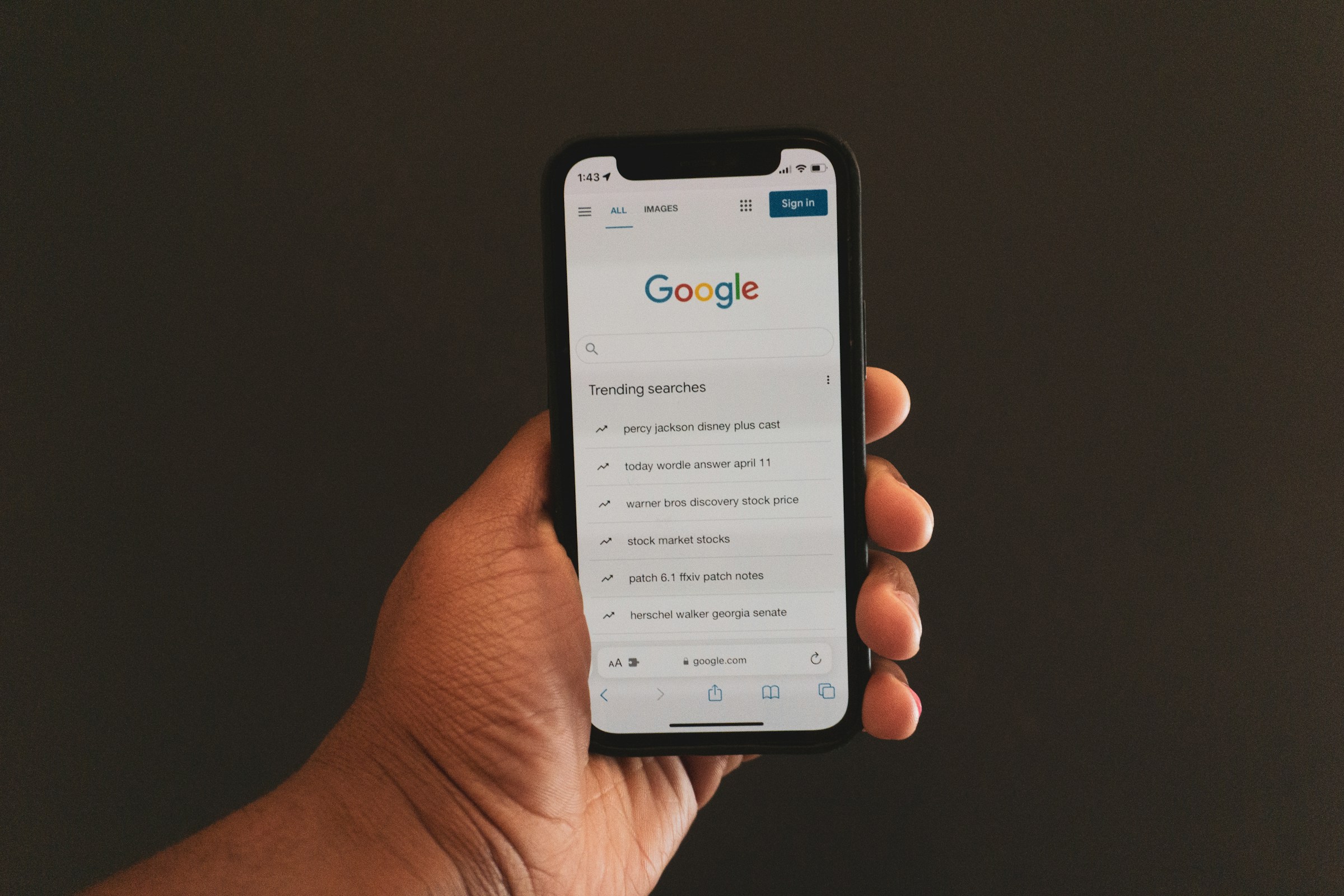
Most websites don’t fail because of bad content. They fail because Google never fully understands or shows them.
To fix that, you need to know how Google actually works. Every page goes through three steps: crawling, indexing, and ranking.
Miss one, and your content won’t perform, no matter how good it is.
The good news? This isn’t complicated.
In this guide, you’ll learn what each step means, why it matters, and how to fix common issues—explained in the simplest way possible.
If your site isn’t showing up, learn the fundamentals of Google indexing and what to fix first.
Quick Comparison
| Stage | What It Means | What Google Does | Why It Matters |
|---|---|---|---|
| Crawling | Discovery | Finds your page through links or sitemaps | If not crawled, your page won’t be seen |
| Indexing | Storage | Stores and understands your content | If not indexed, it won’t appear at all |
| Ranking | Positioning | Decides where your page appears | Higher rank = more visibility and clicks |
What Is Crawling?
A Simple Definition
Crawling is how search engines find your content. Before your page can appear on Google, it must first be discovered.
Think of it as Google exploring the internet, looking for new and updated pages to check.
What Are Search Engine Bots?
Search engines use automated programs called bots to do this job. The most well-known one is Googlebot.
These bots visit websites, scan pages, and collect information. They don’t read like humans.
Instead, they focus on structure, links, and content to understand what each page is about.
If a bot can’t access your page, it’s as if your page doesn’t exist to Google.
How Crawling Works
Following Links
Bots move across the web by following links. When one page links to another, it creates a path for the bot to follow.
This is why internal linking matters. If a page has no links pointing to it, bots may never find it.
Reading Sitemaps
A sitemap is a file that lists your important pages. It acts like a guide for search engines.
When you submit a sitemap, you’re telling Google, “Here are the pages I want you to look at.” This makes it easier and faster for bots to discover your content.
Examples of Crawling in Action
You publish a new blog post and link to it from your homepage. A bot visits your homepage, sees the new link, and follows it to your post.
Or, you update your sitemap and submit it. Google reads the sitemap and finds your new page that way.
In both cases, crawling is the first step that gets your content noticed.
Common Crawling Issues
Broken Links
If a link leads to a dead page, bots hit a dead end. This wastes crawl time and can prevent other pages from being discovered.
Blocked Pages (robots.txt)
A robots.txt file tells bots which pages they can or cannot access.
If important pages are blocked by mistake, Google won’t crawl them at all.
Poor Internal Linking
If your pages aren’t connected properly, bots may struggle to find them.
Pages buried deep in your site or with no internal links are often ignored. Strong linking helps bots move through your site efficiently.
Crawling is the first gate. If your pages can’t be found, nothing else matters.
What Is Indexing?
A Simple Definition
Indexing is how Google stores and organizes your page after it finds it.
Once a page is indexed, it becomes eligible to show up in search results. If it’s not indexed, it won’t appear, no matter how good it is.
Think of indexing as adding your page to Google’s library.
What Happens After a Page Is Crawled
After crawling, Google reviews your page and decides whether it should be added to its index.
This decision is not automatic. Google checks if the page is useful, clear, and worth showing to users.
If the page meets the standard, it gets indexed. If not, it may be ignored or delayed.
What Google Looks At
Content Quality
Google wants pages that are helpful and complete.
If your content answers a question clearly and provides real value, it’s more likely to be indexed. Thin or vague content often gets skipped.
Keywords
Keywords help Google understand what your page is about.
They don’t need to be forced. Clear, natural wording is enough. If your topic is obvious, Google can match your page to the right searches.
Structure
A well-structured page is easier to process.
Clear headings, readable paragraphs, and logical flow help Google understand your content faster. Messy or confusing pages can slow down or prevent indexing.
Reasons a Page May Not Be Indexed
Thin Content
Pages with very little useful information are often ignored.
If your page doesn’t provide enough value, Google may decide it’s not worth adding to the index.
Duplicate Content
If your content is too similar to other pages, either on your site or elsewhere, Google may choose not to index it.
It will usually keep only one version and ignore the rest.
Noindex Tags
A noindex tag tells Google not to include a page in its index.
Sometimes this is done on purpose. Other times, it’s added by mistake. If this tag is present, your page will not appear in search results.
Indexing is where your page earns its place. If it doesn’t pass this step, it won’t move forward.
What Is Ranking?
A Simple Definition
Ranking is how Google decides where your page shows up in search results.
Once your page is indexed, it competes with other pages. Google then orders those pages based on how useful they are for a specific search.
Higher ranking means more visibility. Lower ranking means fewer clicks.
How Ranking Works
When someone searches on Google Search, Google scans its index and selects pages that match the query.
It then sorts those pages based on quality and relevance. The goal is simple: show the best result first.
You are not just trying to get indexed. You are trying to be the best option.
Factors That Influence Ranking
Relevance
Your page must match what the user is searching for.
If someone searches for “how to fix indexing issues,” Google looks for pages that clearly answer that exact problem. If your content is off-topic or unclear, it won’t rank well.
Content Quality
Google favors content that is helpful, clear, and complete.
Pages that fully answer a question tend to rank higher than pages that only cover part of it. Depth matters, but clarity matters more.
Backlinks
Backlinks are links from other websites to your page.
They act as signals of trust. If other sites link to your content, Google sees it as more credible. More quality links usually lead to stronger rankings.
User Experience
Google also looks at how users interact with your page.
If your site is slow, hard to read, or confusing, users will leave quickly. That sends a negative signal. A clean, fast, and easy experience helps your rankings.
A Simple Example of Ranking in Action
Imagine you search for “what is indexing in SEO.”
Google finds thousands of indexed pages on that topic. It then ranks them.
The page that explains the topic clearly, loads fast, and has strong signals (like backlinks and good structure) appears near the top. Others fall below.
Ranking is the final step. This is where visibility is won or lost.
Key Differences: Crawling vs Indexing vs Ranking
A Simple Side-by-Side Comparison
These three steps work together, but they each do a very different job.
- Crawling = Discovery
Google finds your page. - Indexing = Storage
Google saves and understands your page. - Ranking = Positioning
Google decides where your page appears.
If one step fails, the next one can’t happen. No crawling means no indexing. No indexing means no ranking.
Why This Difference Matters
Many people mix these terms up. That leads to the wrong fixes.
If your page isn’t ranking, the problem might not be ranking at all. It could be that Google never indexed it. Or worse, never found it.
When you understand the difference, you can quickly identify where things are going wrong.
A Simple Analogy (Library Example)
Think of Google as a massive library.
Crawling is when the librarian goes out and finds new books.
Indexing is when those books are added to the library system and placed on the shelves.
Ranking is how the librarian decides which books to show first when someone asks a question.
- If your book was never collected, it won’t be in the library.
- If it’s not in the system, no one can find it.
- If it’s buried on a back shelf, it won’t get attention.
Putting It All Together
You don’t just need good content. You need to pass all three steps.
- First, make sure Google can find your page.
- Then, make sure it’s worth indexing.
- Finally, make sure it deserves to rank.
Once you see it this way, SEO becomes much easier to manage.
How the Process Works Together (Step-by-Step)
Step 1: Google Crawls Your Page
Everything starts with discovery.
Google’s crawler, Googlebot, finds your page by following links or reading your sitemap. It visits the page and scans the content.
If your page isn’t linked anywhere or is blocked, this step fails. And if crawling fails, nothing else can happen.
Step 2: Google Indexes Your Page
Once your page is crawled, Google decides whether to store it.
It reviews your content, checks its quality, and tries to understand what the page is about. If the page is clear and useful, it gets added to Google’s index.
If not, it may be skipped. This is why some pages are crawled but never show up in search results.
Step 3: Google Ranks Your Page
After indexing, your page becomes eligible to appear in Google Search.
Now it competes with other pages targeting the same topic. Google sorts these pages and decides where yours should appear.
Better content, stronger signals, and a good user experience improve your position.
Why Each Step Depends on the Previous One
This process is strict and sequential.
If your page isn’t crawled, it can’t be indexed. If it isn’t indexed, it can’t be ranked.
You can’t skip steps or compensate for a weak one later. A well-optimized page still won’t rank if Google never finds or stores it.
Why Your Page Might Not Rank
Ranking problems usually come down to one of three stages. If you identify the exact stage, the fix becomes much clearer.
Not Crawled
If your page hasn’t been crawled, Google doesn’t know it exists.
This often happens when a page has no internal links, isn’t in your sitemap, or is blocked by settings. New pages are especially affected.
Quick fixes:
- Add internal links from existing pages
- Include the page in your sitemap
- Check that it’s not blocked in robots.txt
- Request indexing in Google Search Console
Crawled but Not Indexed
This means Google found your page but chose not to store it.
In most cases, this is a quality issue. The content may be too thin, too similar to other pages, or unclear in purpose.
Quick fixes:
- Improve the depth and usefulness of your content
- Remove or rewrite duplicate sections
- Make the topic clearer with better structure and headings
- Ensure there’s no accidental “noindex” tag
Indexed but Not Ranking
This is the most common situation.
Your page is in Google’s database, but it’s not strong enough to compete. Other pages are seen as more helpful or relevant.
Quick fixes:
- Better match search intent (answer the exact question clearly)
- Improve content quality and clarity
- Add internal links to strengthen the page
- Build high-quality backlinks
- Improve page speed and user experience
How to Improve Crawling, Indexing, and Ranking
Improve Crawlability
Internal Links
Internal links help Google find your pages faster.
When you link from one page to another, you create a clear path for Googlebot to follow.
Pages with more internal links are easier to discover and are often crawled more often.
Focus on linking important pages from your homepage or other high-traffic pages. Avoid leaving pages isolated.
XML Sitemap
An XML sitemap is a direct list of your important pages.
It tells Google exactly what you want crawled. This is especially useful for new websites or pages that don’t have many links yet.
Submit your sitemap through Google Search Console to speed up discovery.
Improve Indexing
High-Quality Content
Google indexes pages that provide clear value.
Your content should answer a specific question, be easy to understand, and cover the topic properly. If a page feels incomplete or shallow, it may not get indexed.
Aim for clarity over length. Make every section useful.
Proper Tags
Tags help Google understand what to do with your page.
Make sure you’re not accidentally blocking indexing with a “noindex” tag. Use clear title tags and headings so Google can quickly understand your content.
Small technical errors here can stop a page from being indexed.
Improve Ranking
SEO Optimization
Once your page is indexed, it needs to compete.
Use clear keywords naturally in your headings and content. Match what users are actually searching for. Strong structure and readability also improve your chances.
Good SEO makes your page easier to understand and more relevant.
Backlinks
Backlinks build trust.
When other websites link to your page, it signals that your content is valuable. Pages with strong, relevant backlinks tend to rank higher.
Focus on quality over quantity. A few strong links are more effective than many weak ones.
Page Speed
Speed affects both users and rankings.
Slow pages lead to higher bounce rates. Fast pages keep users engaged and send better signals to Google.
Optimize images, reduce unnecessary scripts, and use reliable hosting to improve load times.
Common Beginner Mistakes
Thinking Indexing = Ranking
Many people assume that once a page is indexed, it will start ranking.
That’s not how it works. Indexing only means your page is stored in Google’s database. Ranking is a separate step where your page competes with others.
If your page is indexed but not ranking, the issue is usually content quality, relevance, or competition, and not indexing.
Ignoring Technical SEO
Technical issues can block your progress before content even matters.
Pages can be accidentally blocked, slow to load, or hard for Google to crawl. These problems are easy to miss if you’re only focused on writing content.
Use tools like Google Search Console to spot errors early. Fixing technical issues often leads to quick improvements.
Publishing Low-Quality Content
Not all content gets indexed or ranked.
If your page is too short, unclear, or doesn’t fully answer a question, Google may ignore it. Even if it gets indexed, it won’t compete well.
Focus on usefulness. Make sure each page solves a real problem clearly and completely.
Not Checking Google Search Console
If you’re not checking your data, you’re guessing.
Google Search Console shows whether your pages are crawled, indexed, and how they perform in search.
It also highlights issues like indexing errors or blocked pages. Without it, you won’t know what’s working or what needs fixing.
Simple Recap (TL;DR)
- Crawling – Google finds your page by following links or reading your sitemap.
- Indexing – Google stores and understands your page in its database.
- Ranking – Google decides where your page appears in search results.
Final Thoughts
Crawling, indexing, and ranking are not the same, and treating them as one is where most problems start.
When you understand each step, you can quickly see what’s holding your pages back and fix it with confidence.
Make sure Google can find your pages, store them, and see them as worth ranking.
Start by checking your site in Google Search Console and fixing the step that’s breaking.
To build a strong foundation, read the complete indexing basics guide for beginners.
FAQs
Crawling is when Google finds your page. Indexing is when it stores and understands your page in its database.
Yes. Google may crawl a page but choose not to index it if the content is low quality, duplicate, or unclear.
It can take anywhere from a few hours to a few weeks, depending on your site’s authority, internal links, and crawl frequency.
Your page is stored, but it’s not strong enough to compete. Improve relevance, content quality, backlinks, and user experience.
You can’t force it, but you can speed it up by submitting your URL in Google Search Console, improving internal links, and updating your sitemap.





I’m Alex Crawley, an SEO specialist with 7+ years of hands-on experience helping new websites get indexed on Google. I focus on simplifying technical indexing issues and turning confusing problems into clear, actionable fixes.















